Project:
OnlyFile
Date Of Involvement:
Apr-May 2026
After all of the mockups necessary for the MVP launch were approved, the next stage of the launch campaign was to build a hype. Peeking over similar product launches in this domain the decision was to copy the tactic that worked for those teams and release and launch an ad campaign with a promotional video. The product targets very specific niche: it aims to give the adult content models a set of tools to run true games of chance, since at this moment still, only the imitations of these games are possible, and majority of players figure it out instantly, which leads to remorse and loss of trust. Another drawback of imitating the game of chance using platforms’ features like posts and DMs is how manual and demanding it is in terms of time and attention. The product - OnlyFile, was aiming to kill two birds with one stone: provide tools for true games of chance which only require “set and forget” kind of involvement, as well as flexibility with financial side. That is what the video supposed to tell about, and here is the final result:
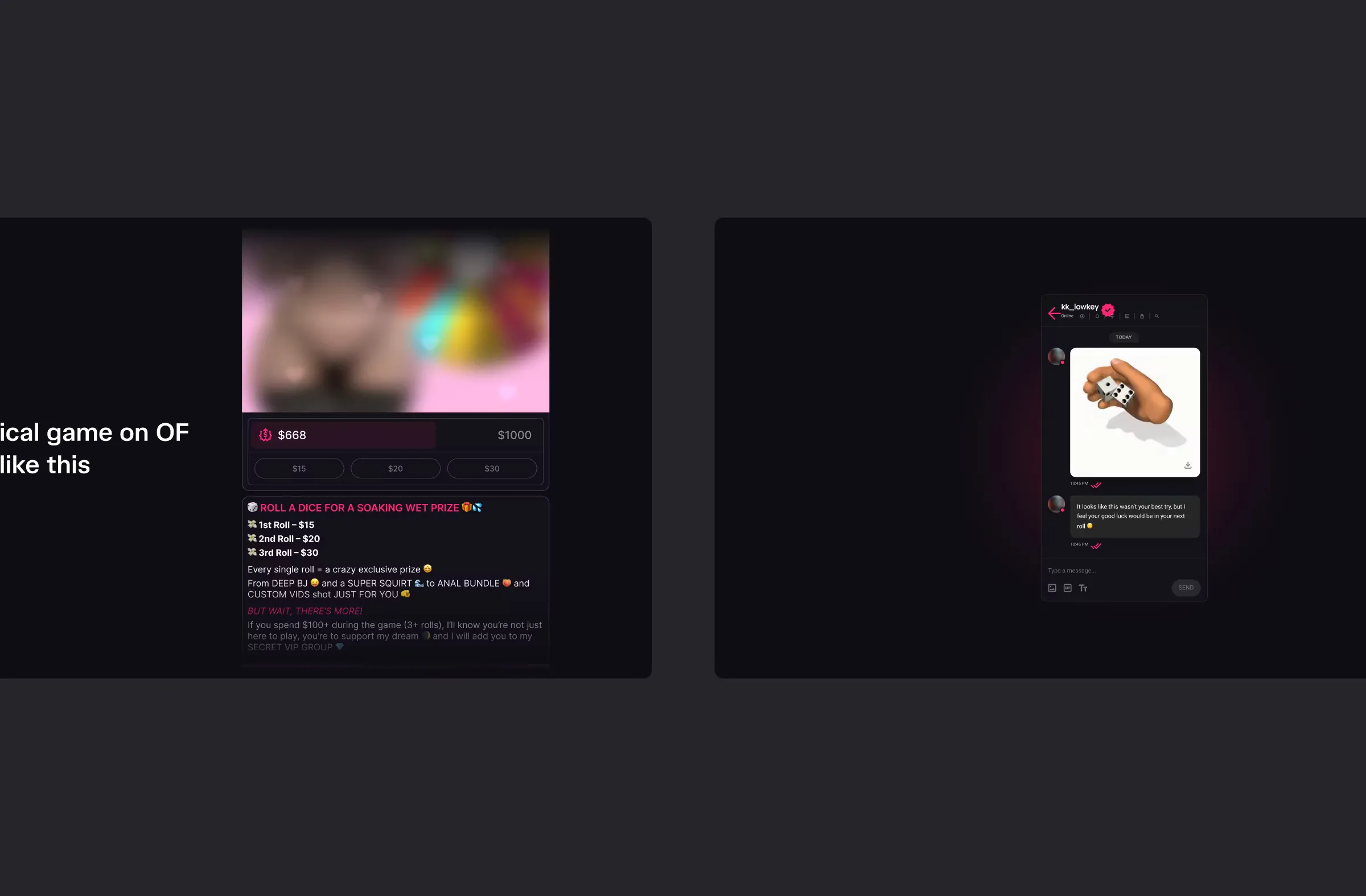
Direction And Key Frames
Overall stylistic was chosen to be matching the app UI in the mockups. Dark theme with brand colours, bold rounded shapes in decorative elements and a gradient. Since we decided to target the potential users with this video, the tone of voice chosen to be casual, everything explained in simple terms, also not disdaining in using memes.
Motion
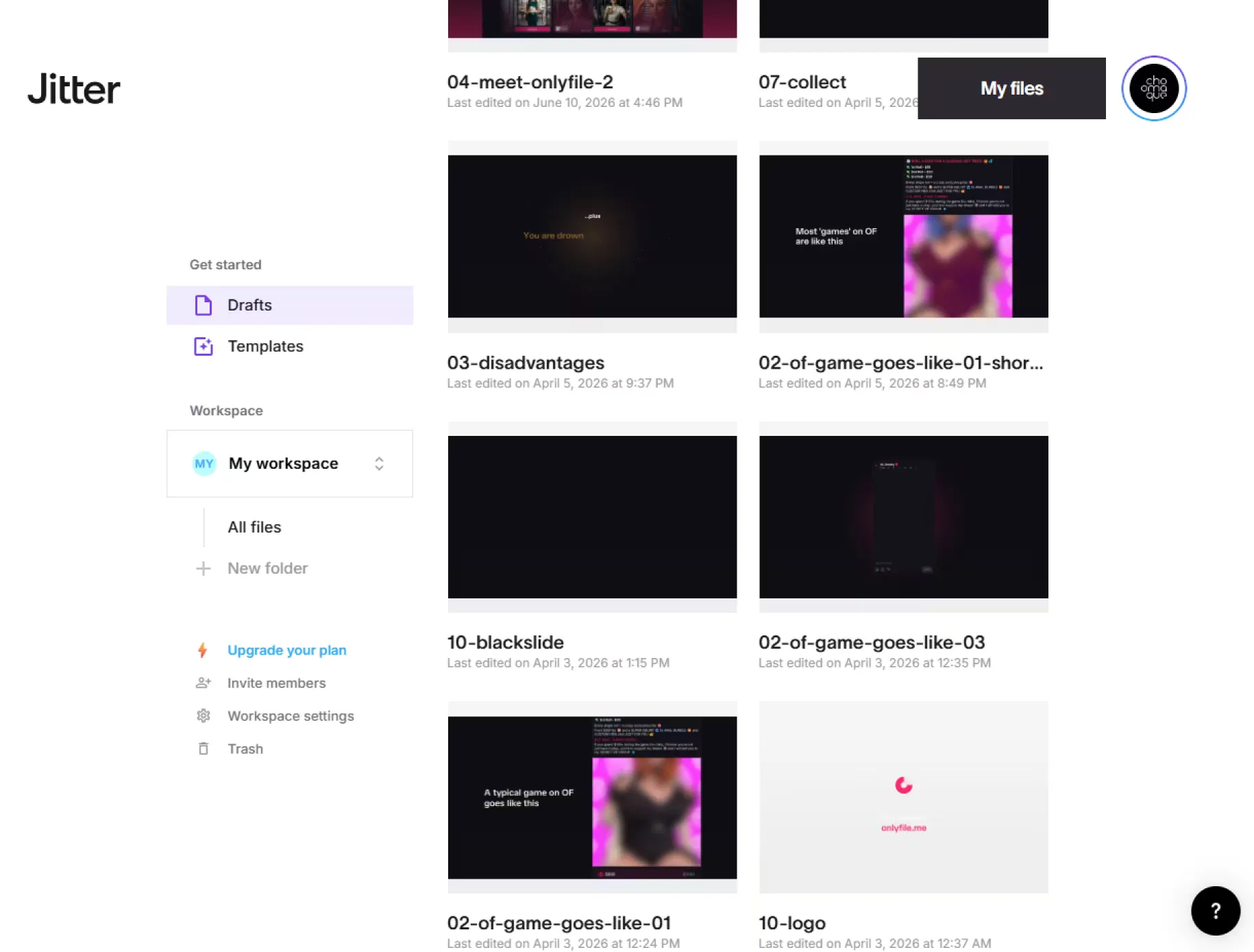
For the motion graphics part I have chosen Jitter because it has very finely made import from Figma, and, at the moment of making the video, it had free export of clean Lottie .json files, as well as the most sane UI of all the similar apps like LottieFiles and Lottielab, and finely - no problems with embedding images or using images as fills.
Using key frames as a starting or reference points, around 20 animations were made.
Couple of words about import pipeline. Although Jitter handles import near-perfectly, it’s not perfect all the time. To avoid layer misalignment in imported files, I have discovered an used a Figma plugin, which converts frames to groups, but does it in a way that preserves the background by creating a shape (often a rectangle) that has the same dimensions, fill and stroke parameters as the target frame.
Conversion
As I said, at the moment of working on this video, Jitter allowed to download clean Lottie .json files. And given that Jitter, and none of the competitors for that matter, allow the export of 4K ProRes video files with wide color gamut, I made a quick search on Google and found a peculiar NPM package that, combined with ffmpeg that I am already using, can solve this issue for me.
The package I am talking about is called Puppeteer-Lottie. And it allows you to take a Lottie .json files as an input and output either a .gif, or a video or a series of images.
With the help of Google Gemini and a bit of back and forth, I obtained a chain of two commands executed in a succession, where first saves each frame of a Lottie .json file into a raster image of specified resolution and extension and second one stitches these image files into a single video file of specified quality, framerate, codec and extension parameters.
The command looks like this:
puppeteer-lottie -i "10-noholdouts.json" -o "frame-%03d.png" --width 3840 --height 2160; ffmpeg -framerate 60 -i frame-%03d.png -vf "noise=alls=1:allf=t+u" -c:v prores_ks -profile:v 4 -vendor apl0 -bits_per_mb 8000 -pix_fmt yuva444p10le -color_range pc -colorspace bt709 -color_trc bt709 -color_primaries bt709 "10-noholdouts.mov"Audio - Voiceover
As most people across the globe, I don’t have a beautiful voice that is fit for infomercials, but at this day and age this obstacle can be solved for around $30. Here’s how I did it.
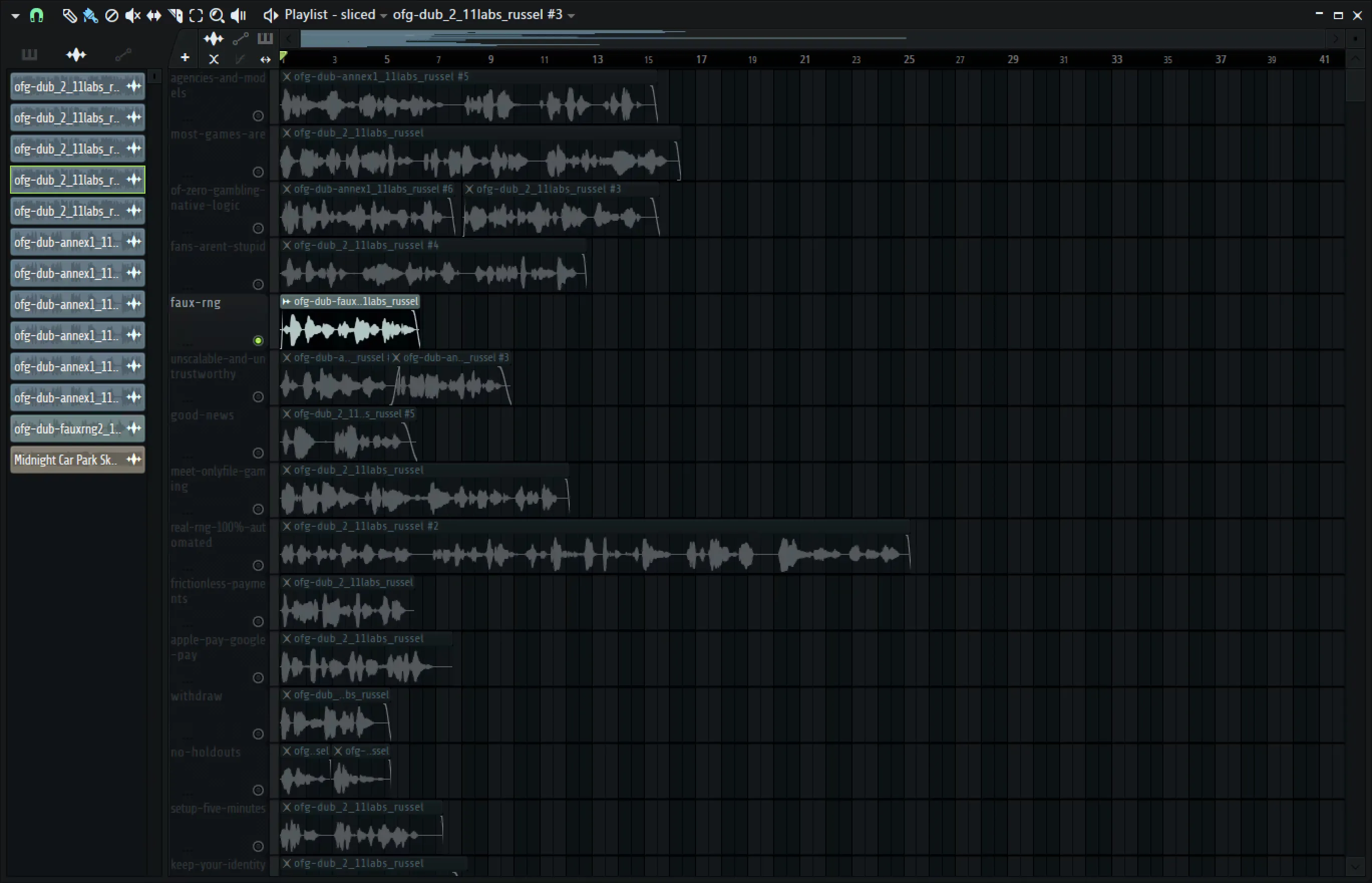
I own a decent condenser microphone and my room, albeit untreated, has very little natural reverb. Both factors allowed me to record source voice lines in close-to-ideal environment. Here’s the excerpt from the source audio.
Went to Elevenlabs and in less than in five minutes I have found a model very very close to the vision I had. It is called “Russel - Dramatic British TV”. Dropping the entire source file at once didn’t yield perfect results.
As you can see at the very start the word “agencies” is not immediately and fully recognizable. Across the entire source there was several moments like that which needed re-recording and processing anew.
After it was done, the only thing left was to cut the audio into chunks, speed it up and render separately.
Audio - Music
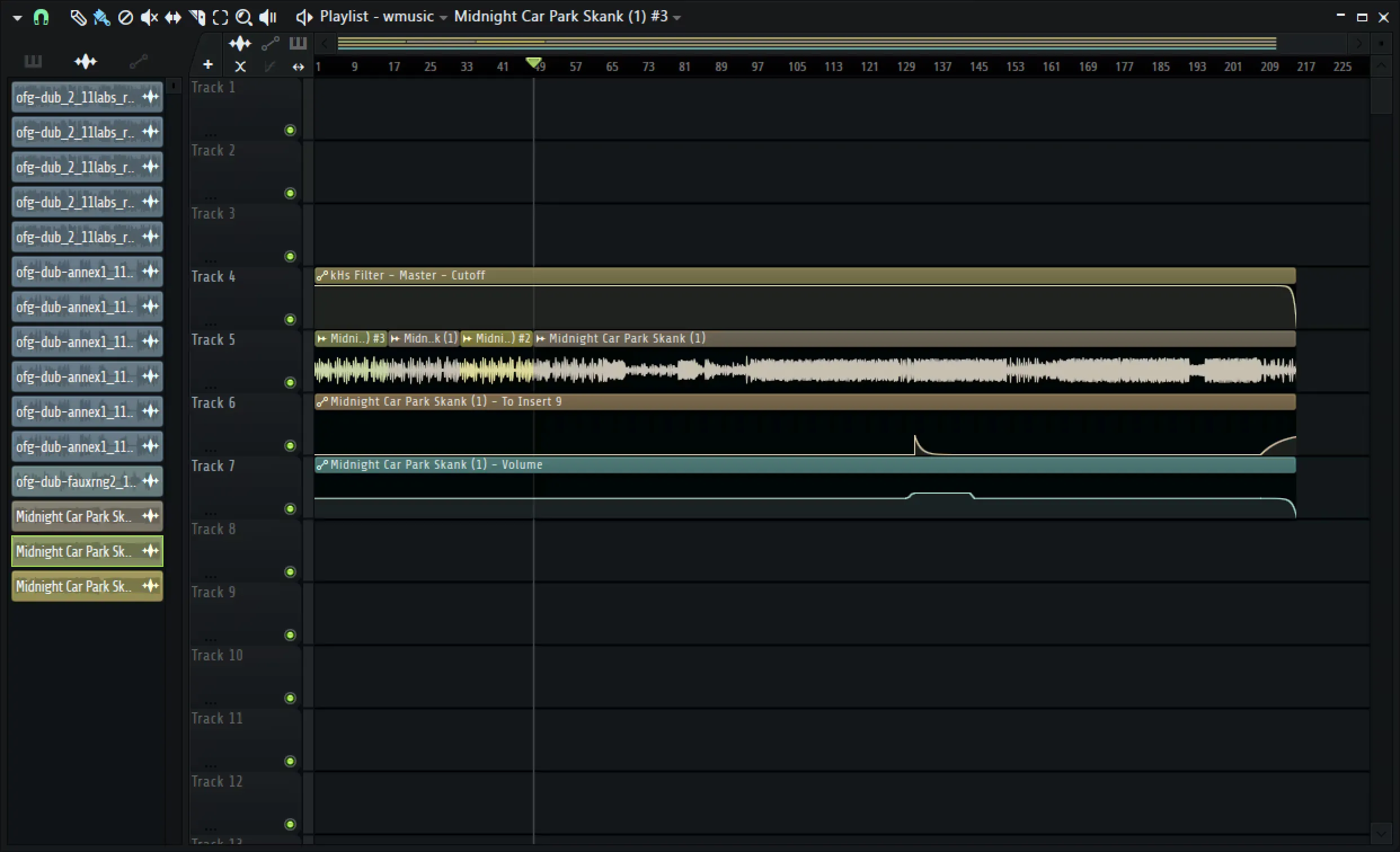
Nowadays music foundation models such as Suno 5.5 can produce audio of quite high percept quality, very prompt-accurate and style-adherent. Since the the voice is British, so should be the music, I thought, and decided to prompt something to Suno 5.5 that has became quite trendy in the early 20s and is UK-native – the UK Garage Revival aka NUKG (Nu UK Garage).
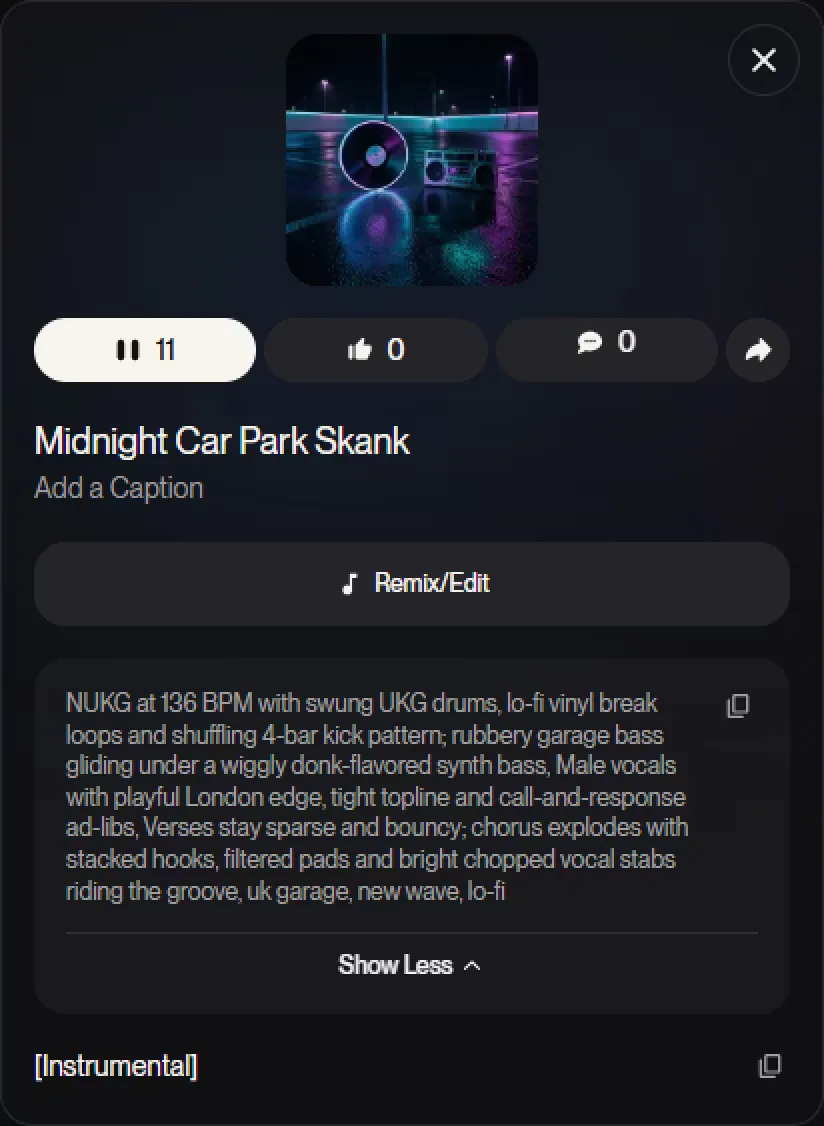
The results were very close to what I was envisioning, so I decided to not go any further and take one of the generated pair. Just in case, here’s the link to the original generated version A and version B. And what was left for me - cut and automate it to make it fit the assembled video.
Assembly
Was done in a lightweight open source non-linear cross-platform video editor called Shotcut. It is, as I said, lightweight, has a very straightforward workflow and supports a lot of codecs and formats thanks to Melt framework and ffmpeg under the hood.
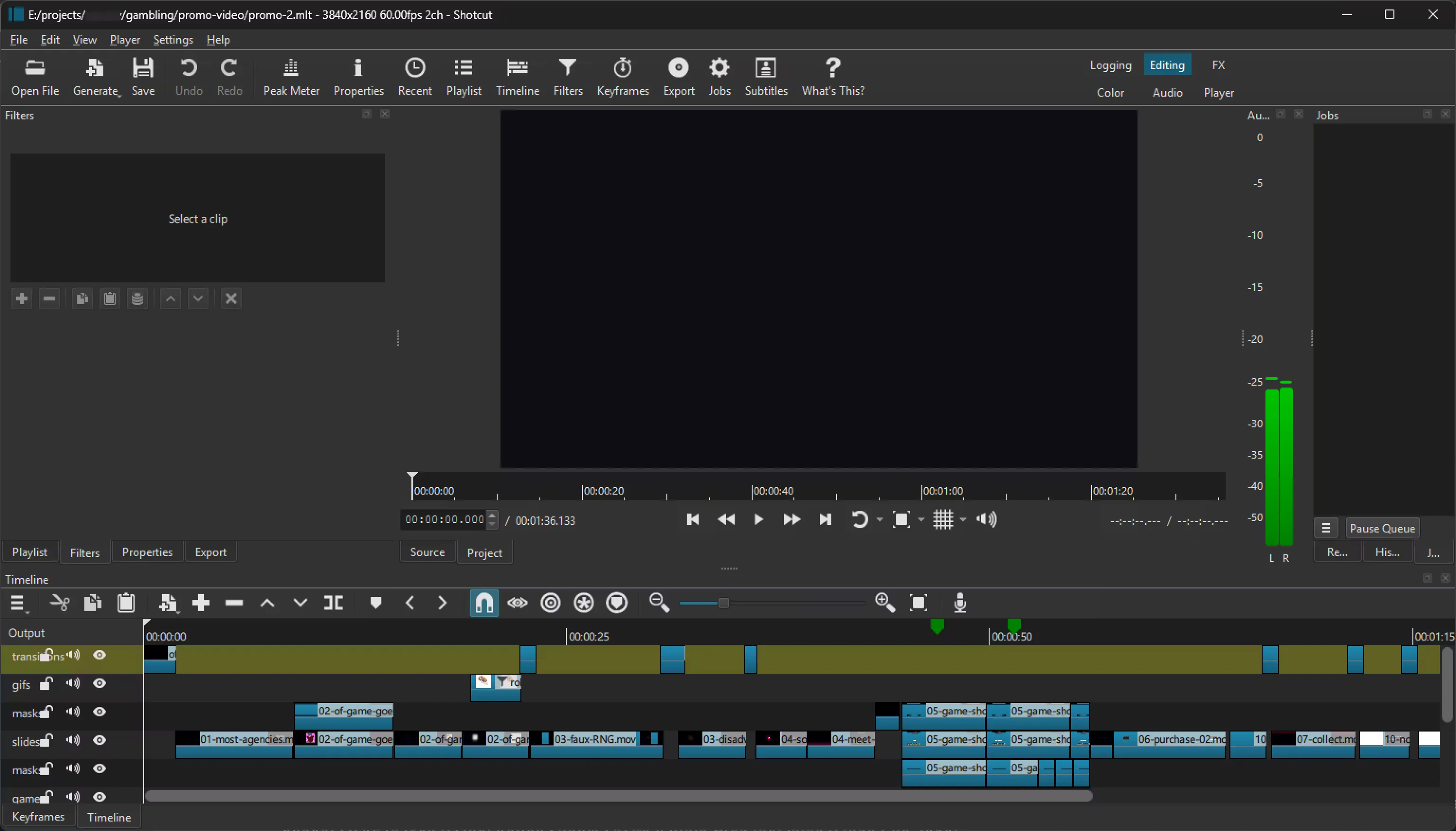
Since I prepared all of the clips, beforehand, assembling the video was rather easy, even with the back and forth to adjust the timing of some animations and voice clips to fit it all into “1 to 2 minutes, the shorter - the better” time constraint. Rendered it all into a 4K Pro-Res master file and converted into a highly optimized lossy formats using a 2-pass commands for ffmpeg given to me by Gemini.
Some Notes
Elevenlabs and Suno subscriptions totaled in around 17 USD, with every other tool used - Figma, Shotcut, Canva Affinity costing 0 USD. FL Studio which I used and got used to can be substituted with Audacity for this particular work. Cutting, stretching and automating audio gain can be done very easily in Audacity. Jitter at the moment of video production gave clean .json files. As of time of writing of this post, it compiles .json files with a watermark. Since it is a text file, the watermark can be relatively easily removed, but since this might not be legal, consider paying a sub (around 20 USD a month) if you are going to replicate the pipeline I described.